Others Settings
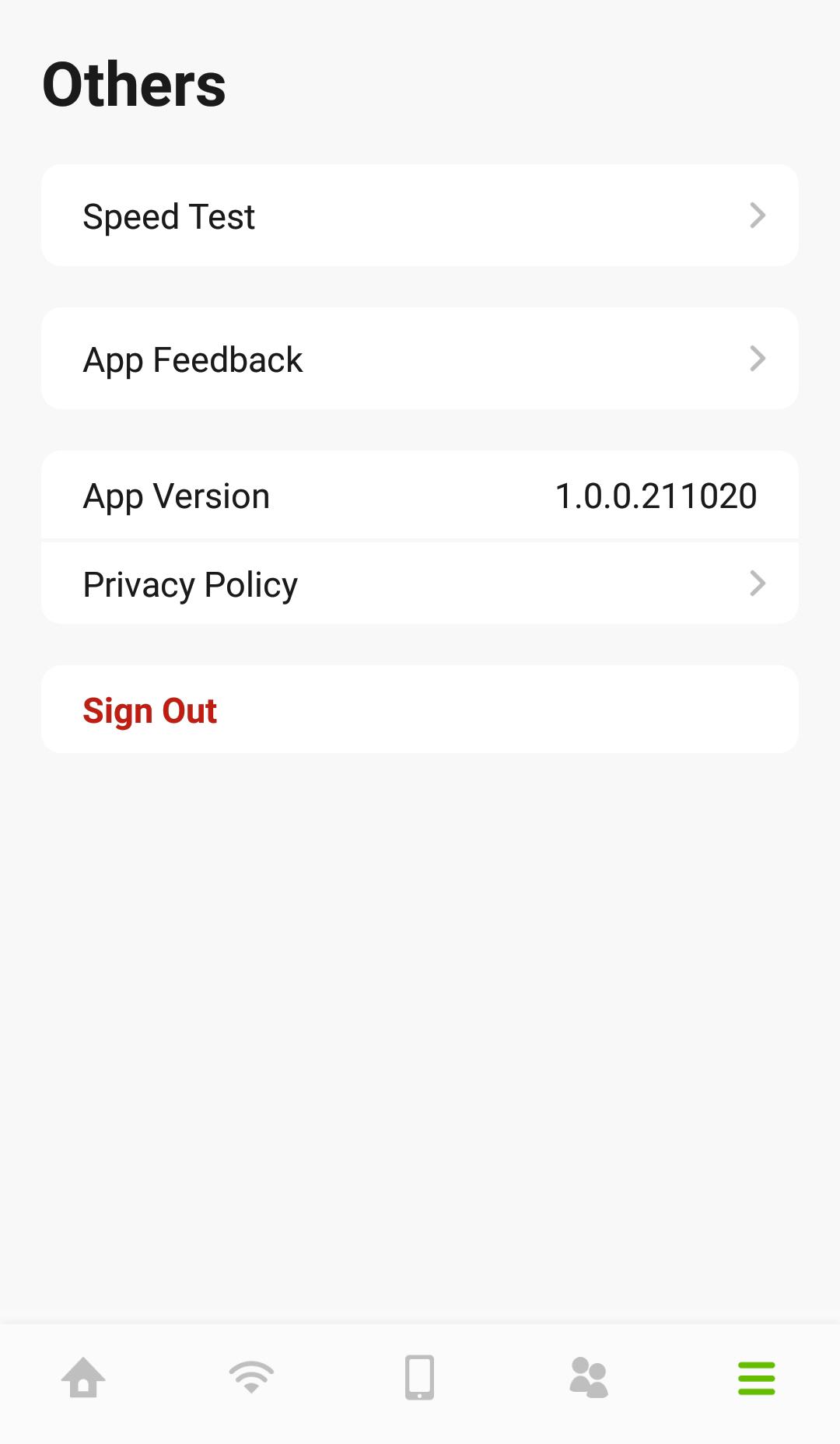
1 Tap on the Others icon ( ) in the navigation panel. The Others screen appears. Click Speed Test if you want to conduct a speed test for downstream and upstream data rates. The Speed Test screen appears. Click Start to perform a test.
) in the navigation panel. The Others screen appears. Click Speed Test if you want to conduct a speed test for downstream and upstream data rates. The Speed Test screen appears. Click Start to perform a test.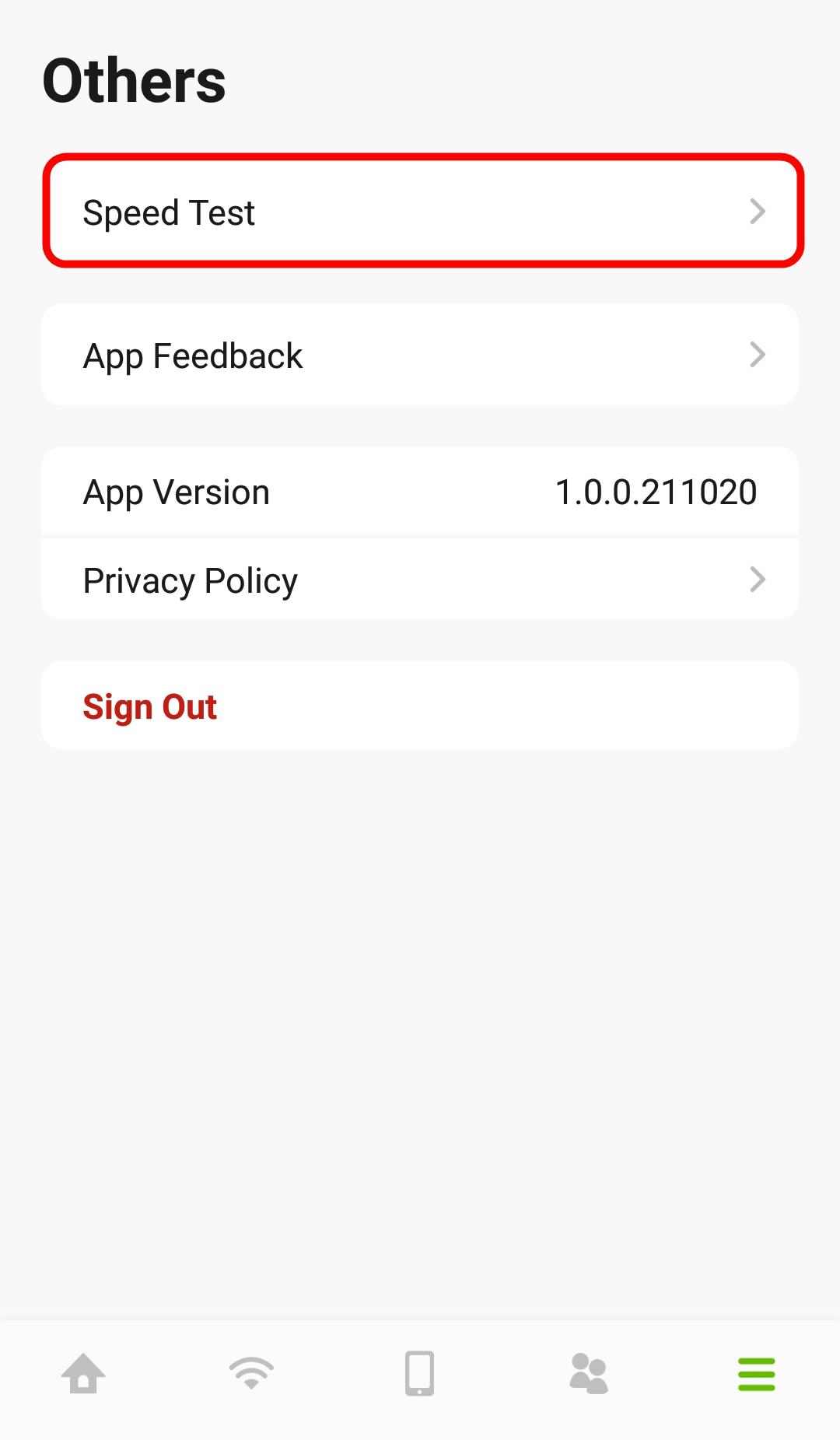
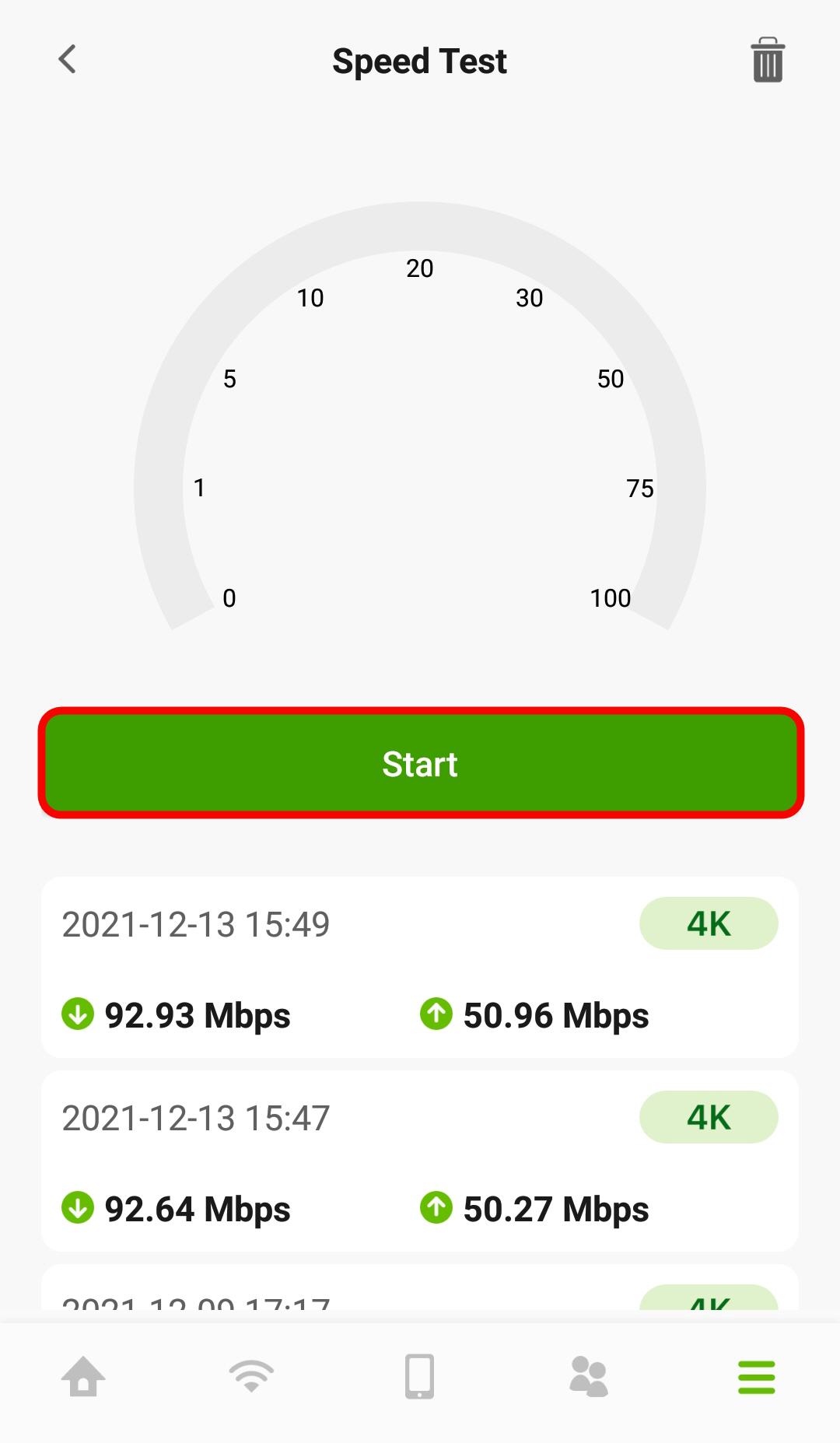
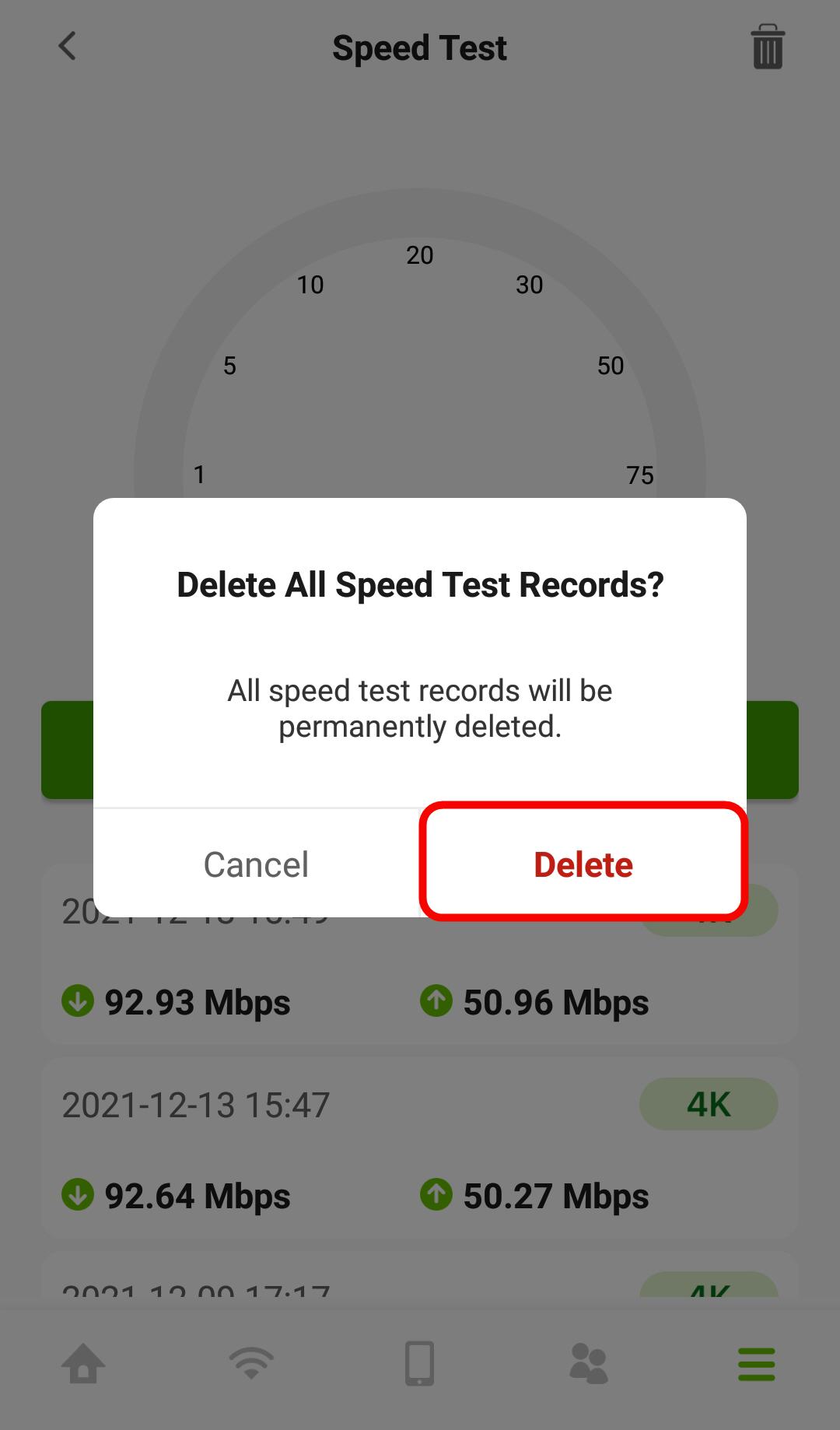
2 Click the Delete icon ( ) if you want to remove all previous test results. Click Delete to confirm the changes.
) if you want to remove all previous test results. Click Delete to confirm the changes.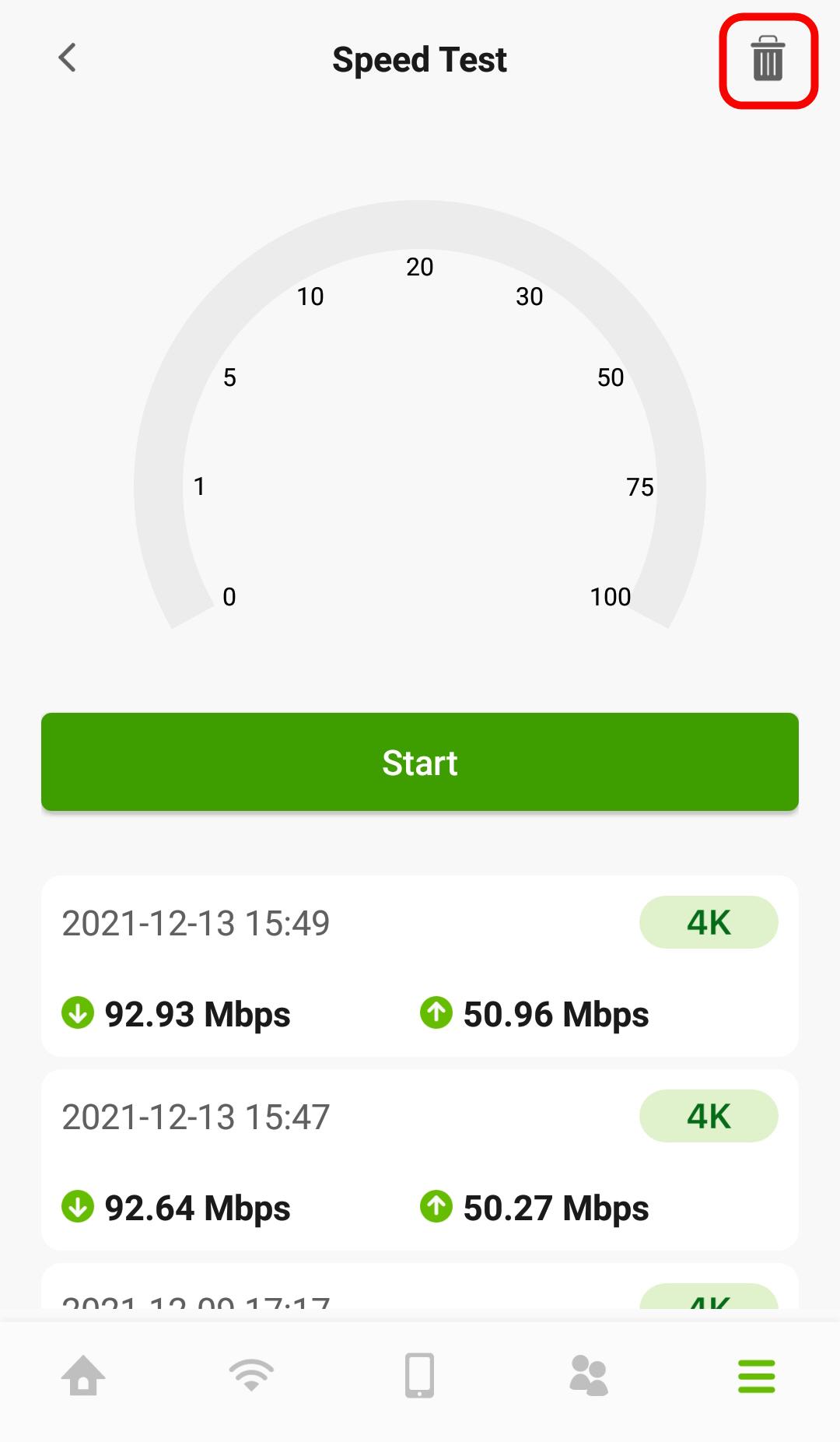
3 You can also use this screen to do the following:
• Give us feedback.
• View the app version.
• View the privacy policy.
• Log out of the app.